

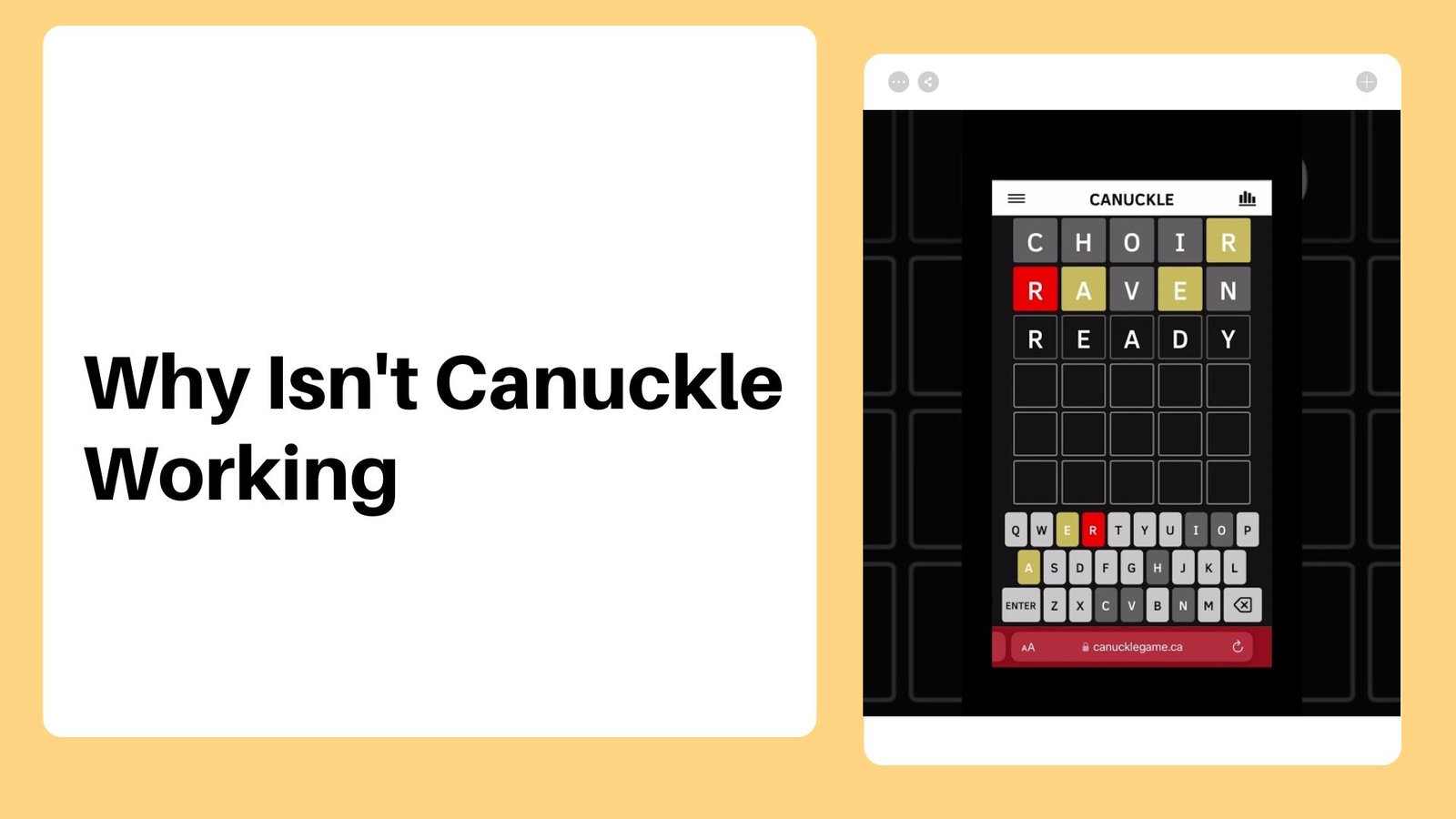
If you are a regular player of Canuckle, a popular Canadian-themed variant of the famous daily word game Wordle, you probably rely on the puzzle as part of your daily routine. However, there are times when Canuckle fails to load properly, leaving you staring at a blank screen or a frozen puzzle grid. Understanding why Canuckle is not working can save you time and prevent unnecessary frustration while you try to get back to guessing Canadian words.
How to Check Server Status During an Outage
Canuckle server outages happen when high traffic or hosting hiccups prevent the game from communicating with player browsers.
Like any online web application, Canuckle relies on stable server hosting to deliver its daily puzzle files to players around the world. When sudden traffic spikes occur or when the hosting provider experiences unscheduled maintenance, the entire game portal might stop responding. You can quickly figure out if the problem is widespread by checking official developer updates on social media channels or community forums rather than assuming the fault lies with your own internet connection.
The Browser Cache Trap and Outdated Local Data
Canuckle often fails to load the new daily puzzle because mobile and desktop browsers stubbornly cling to cached versions of yesterday’s scripts.
Web-based puzzle games store temporary data files inside your browser to help pages load faster on repeat visits. When the Canuckle developers push out a daily puzzle update, your browser might accidentally try to run the old cached code instead of downloading the fresh puzzle file. This mismatch can cause the game to freeze, crash, or refuse to accept your guesses on the interactive grid. Clearing your browser cache or performing a hard refresh on your device usually clears out this corrupted local data and forces the browser to pull the correct live files.
Common Technical Issues and Quick Fixes
Reviewing standard error symptoms and their most effective solutions helps players quickly identify why the game fails to respond.
| Problem Symptom | Primary Cause | Recommended Solution |
|---|---|---|
| Blank screen or frozen grid | Outdated browser cache | Perform a hard refresh or clear temporary cache |
| Missing letter tiles | Aggressive ad blockers | Disable tracking extensions for the game domain |
| Lost streaks | Cleared browser local data | Restore storage or check browser profile settings |
| Timeout errors | Unstable mobile connection | Toggle airplane mode or switch to a stable network |
Ad Blockers and Privacy Extensions Interfering with Scripts
Strict ad blockers and aggressive browser privacy extensions can accidentally block necessary JavaScript files required to run Canuckle.
Modern web browsers and specialized privacy plugins often block third-party trackers, scripts, and background elements to protect user data. Unfortunately, these automated security measures sometimes misidentify core game scripts as unwanted trackers, preventing the interactive letter tiles and virtual keyboard from rendering on your screen. If you notice that the page loads but the game board remains completely blank or unresponsive, temporarily disabling your ad blocker for the Canuckle domain will often restore full functionality.
Protecting Your Personal Game Stats and Streaks
Canuckle saves your personal win streaks and game history inside your browser’s local storage rather than on a remote cloud account.
Many players panic when Canuckle stops working, fearing that a simple troubleshooting step will wipe out months of accumulated game stats and daily streaks. Because the game stores this progress locally on your device, clearing your browser data indiscriminately can sometimes erase your personal records. Before you clear cookies or reset site data, make sure you understand how your specific browser handles local storage, or look for in-game export options if available. For additional perspective on handling web browser glitches, readers can explore why unblocked games 6x is not working to learn more about similar diagnostic procedures.
Basic Connection Checks for Unstable Networks
Temporary drops in your home Wi-Fi or mobile data signal can disrupt the initial handshake required to load Canuckle.
Even though lightweight word puzzles do not require massive bandwidth, they still need an active data link to fetch the daily puzzle solution and submit your completion status. If your router is experiencing packet loss or your phone has dropped from 5G down to a sluggish cellular connection, the game might time out before the assets finish downloading. Toggling your device’s airplane mode on and off, restarting your home router, or switching from Wi-Fi to cellular data can quickly resolve minor local network bottlenecks.
Frequently Asked Questions About Canuckle
What time does Canuckle reset its daily puzzle?
Canuckle typically resets its daily puzzle at midnight local time, giving players a brand-new Canadian-themed word to guess each day.
Why is Canuckle stuck on yesterday’s puzzle?
Your browser is likely serving an older cached version of the game page instead of fetching the updated daily script.
Do I need to create an account to play Canuckle?
No, Canuckle is a free web-based game that requires no registration or login to enjoy the daily word challenges.
Will clearing my browser cache delete my game statistics?
Clearing certain types of browser cache can occasionally reset local storage data, so it is best to only clear temporary cached files rather than all site data.
Can I play Canuckle on both mobile and desktop devices?
Yes, Canuckle is fully responsive and runs smoothly in any modern web browser on smartphones, tablets, and desktop computers.
Who created Canuckle?
Canuckle was developed by Canadian software developer Ryan Houlihan as a patriotic tribute to the original Wordle phenomenon.
Disclaimer
This troubleshooting guide is based on general web application behavior and standard browser functionality. Because online games receive frequent updates, specific loading errors, server statuses, and interface details may change over time, and players should always verify final information directly through official developer channels.

Daniel J. Morgan is the founder of Invidiata Magazine, a premier publication showcasing luxury living, arts, and culture. With a passion for excellence, Daniel has established the magazine as a beacon of sophistication and refinement, captivating discerning audiences worldwide.


